Operating System for Live Speaking

The stage is about
to change forever.

Speak a scripture or cue. It appears on the screen instantly — with live subtitles that keep every audience member locked in.

voice
VRLY NEXT
Slide advanced

Watch VRLY+ Work

From speech → to screen, in seconds.

The core loop: captions stay live while commands trigger instant display changes — with operator control always ready.

Speaker
Live
“…turn with me to John 3:16…”
“…for God so loved the world…”
“…that He gave His only Son…”
Audio inputAny mic
VRLY Engine™
Detect
Wake phrase detected:
VRLY SHOW John 3:16
Command confidence: High
Routing output: Main screen
Command response< 200ms (local)
Main Screen
Render
DISPLAY: Scripture + Captions
John 3:16
For God so loved the world, that He gave His only Son…
Captions continue live below
Operator override1 click

Display Modes

What the audience actually sees.

VRLY+ renders captions and content in stage-ready templates optimized for distance, clarity, and live environments.

Captions Mode
Large, readable live subtitles for any room. Adjustable size and position.
Live captions
“Tonight we’re talking about faith that moves…”
STYLE: Large • Bottom
Scripture Mode
Instant verse display triggered by voice — with captions continuing live.
Verse + captions
John 3:16
For God so loved the world…
CAPTIONS: Enabled
Presentation Mode
Slides remain primary, captions stay visible, and voice controls navigation.
Slides + captions
“Point 2 — Clarity is authority.”
COMMAND: VRLY NEXT

Templates are stage-first: high contrast, large type, and predictable placement — optimized for congregations, conferences, and broadcasts.


Zero-Failure Live Mode

Automation + human control.
No awkward moments.

VRLY+ is built for real rooms. When it’s perfect, it runs automatically. If anything is uncertain, the operator approves or takes over instantly.

Operator Dashboard
Take Over
Suggested command:
VRLY SHOW John 3:16
Last actionNEXT
Subtitle statusON
System modeAssisted
Main Screen
Sync
LIVE OUTPUT
John 3:16
For God so loved the world…
Operator can override at any time

For MVP: START / NEXT / PREV can auto-execute. SHOW requires operator approval by default for safety in live environments.


Command Dictionary

Your voice is the remote.
These are the verbs.

Commands are wake-word based to reduce false triggers. Designed to feel natural mid-speech and reliable at scale.

Command
What it does
Typical output
VRLY START
Starts a session, enables captions, and begins listening for commands.
Mode: RUNNING
VRLY PLAY
Resumes the presentation flow after a pause.
State: PLAYING
VRLY PAUSE
Pauses progression. Captions may continue (configurable).
State: PAUSED
VRLY SHOW [X]
Displays content (scripture, title, point, overlay). Uses resolver + operator approval if ambiguous.
Overlay / Verse / Scene
VRLY NEXT
Moves to the next slide / scene / queued item.
Slide +1
VRLY PREV
Moves to the previous slide / scene / queued item.
Slide −1
VRLY STOP
Ends automation mode and closes the session (operator remains available).
Mode: STOPPED

Mic-Agnostic by Design

Use any mic.
Run VRLY+ as the hub.

VRLY+ installs near the AV system and becomes the real-time brain. Audio comes from any source — mixer, receiver, USB mic, or laptop input — and VRLY+ drives every screen.

VRLY Hub (local-first) // WebSocket sync
Any Mic
→
VRLY Hub
→
Main Screen
→
Audience
Captions + commands run locally for speed. Cloud can enhance transcription/translation — but control remains reliable on LAN.

Future VRLY wearables will plug into this same hub — improving capture and command accuracy without changing the system architecture.


The Insight

The world learned how to click.
Now it's learning how to speak.

Software evolved through every input paradigm. Yet live speaking never evolved. Millions of presenters still rely on remotes, operators, and fragile workflows. The biggest communication moments on Earth are still manually controlled.

The Progression
01Command LinesText
02Graphical InterfacesVisual
03TouchTactile
04Voice — Live StagesNow

The Problem

Live moments break when technology gets in the way.

Speakers lose flow. Media teams scramble. Accessibility becomes optional. When the speaker stops to control the presentation — the energy drops. Every delay is felt.

< 200ms
Command Response (Local)
Voice command → screen update target on LAN with VRLY Hub running locally.
300–700ms
Caption Feel (Live)
Real-time subtitle experience optimized for readability and flow, not delayed transcription.
1-click
Operator Takeover
Instant manual override for fail-safe live events. No dead air, no awkward breaks.
Any mic
AV Compatibility
Works with wireless receivers, mixers, USB mics, and existing rigs — hardware optional at launch.

The Breakthrough

VRLY+ makes the speaker the interface.

Voice becomes the control layer between thought and presentation. No remotes. No interruptions. No friction.

Voice Control
Natural spoken commands trigger instant action across every connected screen.
VRLY START VRLY NEXT VRLY SHOW
Live Subtitles
Speech becomes real-time captions automatically. Accessibility built in from the first word — not added later.
Operator Intelligence
Automation where possible. Human control where needed. Zero-risk live deployment with full override capability.
VRLY Engine™
Real-time processing
Audio processingReal-time, any mic
Command recognition< 200ms
Subtitle generationContinuous, live
Multi-screen syncUnlimited outputs
DeploymentSoftware — any AV rig
Any Mic → VRLY Engine™ → Every Screen

Not a microphone. A real-time orchestration engine built for live environments — latency in milliseconds, precision built for stages where failure is not an option.


Traction

Early signals of category momentum.

—
Beta Users
// swap value
—
Events Powered
// swap value
—
Command Accuracy
// swap value
—
Pilot Partners
// swap value

Category Expansion

Every stage becomes programmable.

VRLY+ starts with presentations and expands into every environment where people speak to audiences. Anywhere speech occurs becomes a market.

Churches & Ministries
Large congregation venues with multi-screen environments and accessibility requirements.
Conferences & Keynotes
High-stakes events where speaker flow directly drives audience engagement.
Education
Lecture halls and hybrid classrooms requiring live captioning at scale.
Corporate Communication
All-hands, town halls, and boardrooms demanding zero-failure reliability.
Live Streaming
Creators and broadcasters who need voice-driven control without a technical operator.
Accessibility Infrastructure
Compliance-driven demand across every sector where live speech occurs.

The Strategy

Software first.
Hardware next.

VRLY+ launches as pure software — compatible with any existing microphone and AV setup. Zero new hardware required. Adoption starts immediately. Hardware doesn't create the category. Software does.

Roadmap
01
Software Launch
Works with any mic and AV rig. Zero hardware required. Immediate market entry.
02
Platform Expansion
Multi-language support, overlays, speaker tools, and audience adaptation layers.
03
VRLY Wearables
Purpose-built hardware for the VRLY Engine. Intelligent capture, ultra-low latency.
04
Live Communication Infrastructure
The platform layer every spoken-word event runs on. Category ownership.

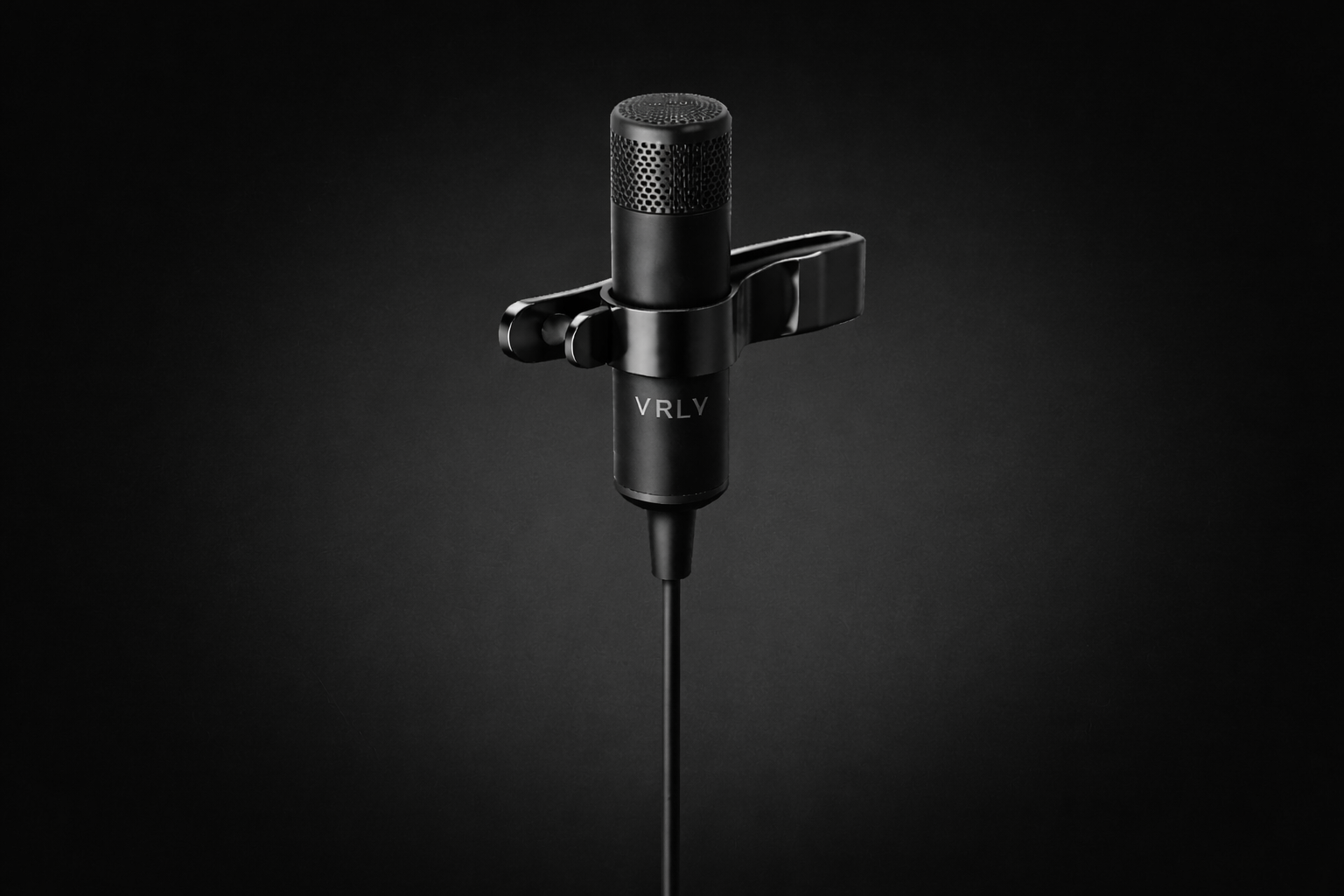
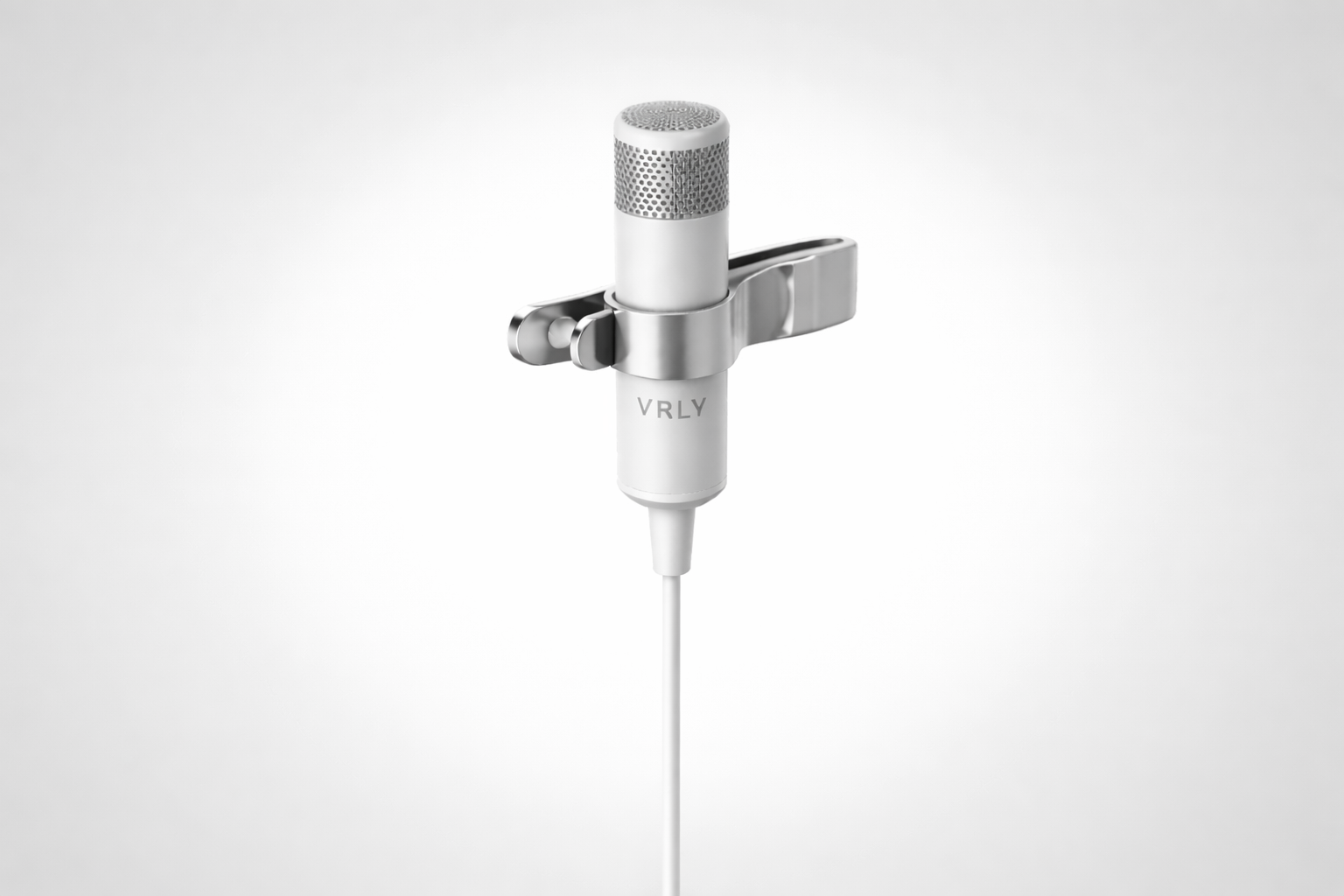
VRLY Wearable Dark Mode VRLY Wearable Light Mode
Hardware

Introducing
VRLY Wearables.

Purpose-built for speakers. Designed from the ground up for the VRLY Engine™ — not an accessory, an upgrade to how the world's best communicators perform.

Form FactorLapel / Clip Microphone
Latency Target< 50ms
Session LifeLong-session optimized
DesignMinimal, stage-ready
CompatibilityVRLY Engine™ native
Coming Soon — Now in Development

The Vision

"When speaking becomes effortless,
ideas move faster."

VRLY+ removes friction between speaker and audience. More focus. More connection. More impact. The future of live speaking isn't about slides — it's about presence.


Invest in the Category

The next interface is voice.
The next stage runs on VRLY+.

Join the investors and teams building the future of live communication.